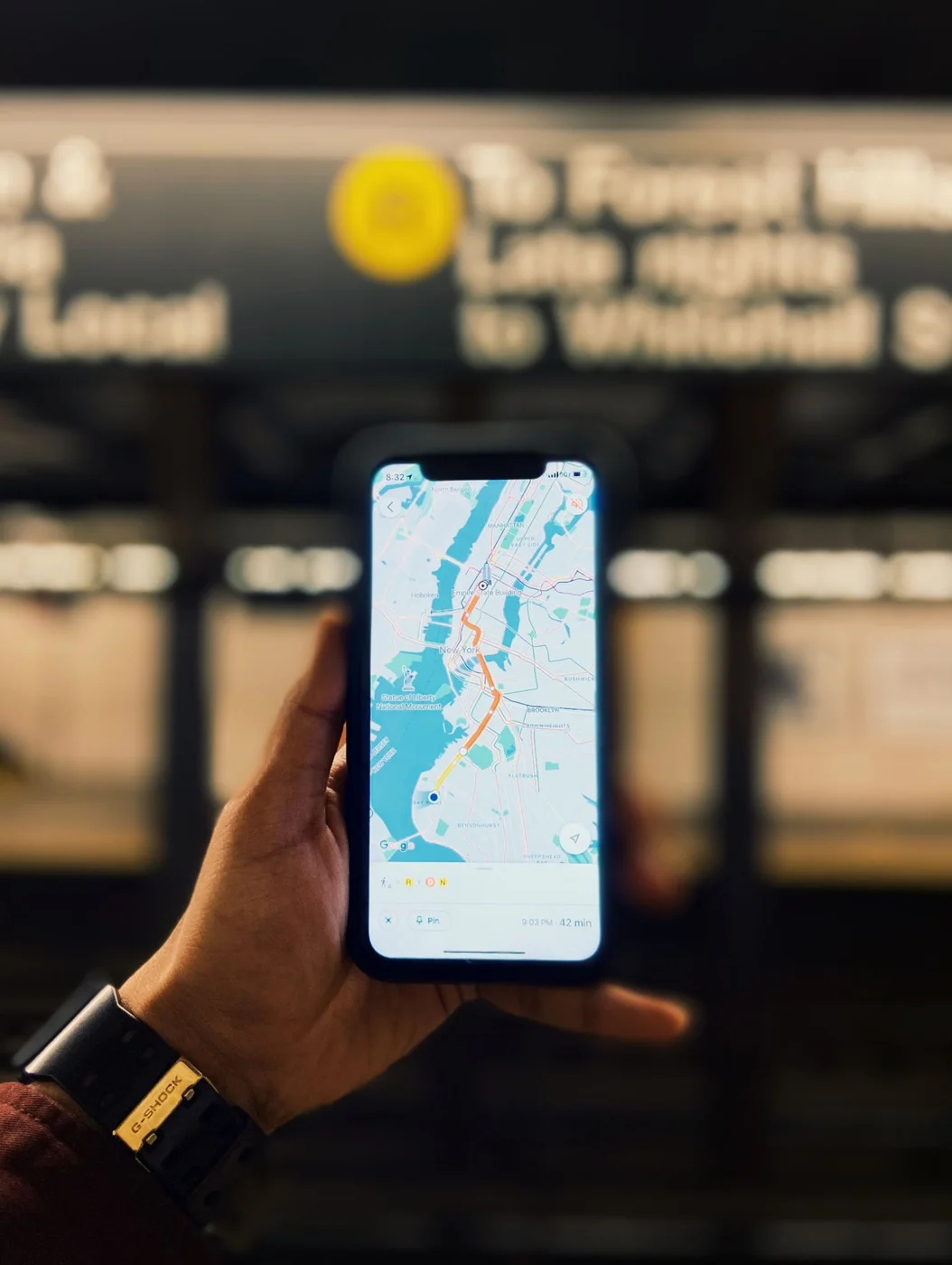
Decide what you need without a connection
An itinerary stored in the cloud is not necessarily an offline itinerary. List the information you would need if the phone lost reception: the next address, the route, booking details, access instructions and a way to contact the accommodation once service returns. Save those items deliberately rather than assuming every app retains what you last viewed.
For a city trip, this may be a small collection of addresses and tickets. For a park or rural road trip, it may include official maps, road names and the intended entrance. Choose the appropriate level of detail. A screenshot of a regional map can show the general direction while omitting the turn that matters.
Download, then test
Use the offline features of the mapping or destination app you have chosen and follow its instructions. For national parks, the official NPS app supports downloading park content for offline use. Complete the download while connected, then open the saved material without relying on mobile data. Check that the correct area and useful detail are actually present.
Do the same with accommodation instructions. Save the street address as text, not only a pin, and keep the property's phone number with it. If entry requires a message, code or app, clarify what must be available at arrival. A remote stay is the wrong place to discover that the final instruction will be sent only after you lose reception.
Tickets need their own check
Ask the issuer whether a ticket can be used offline, added to an approved wallet or printed. A screenshot may not work for a dynamic barcode or an item that requires the official app. Test the supported method before the travel day and keep the booking reference separately from the scannable ticket.
If several people are travelling, make sure the group is not entirely dependent on one person's device where the booking rules allow sharing. Agree who holds the tickets and how you will meet if separated. Do not copy sensitive identity documents into a casually shared folder simply because it is convenient for ordinary itinerary notes.
Keep static maps separate from live conditions
Offline information does not tell you whether a road has just closed or a service has changed. Check current official alerts while connected before leaving, and follow signs and local instructions on arrival. A navigation app's saved route is a suggested path, not permission to enter a closed road.
For remote travel, carry the navigation and communication resources appropriate to the destination and your experience. A phone can lose power or fail as well as lose reception. Know what your plan requires beyond the phone and follow the land manager's guidance for the activity. This preparation should be proportionate to the trip, not an excuse to attempt a route you are otherwise unprepared for.
Make the file names useful
Name saved items by their use: hotel arrival, Saturday ticket, park map and return route. Remove obsolete versions that could cause confusion. Keep a small note with the next day's key addresses and deadlines. A tidy offline set is easier to use in a parking area or station than a folder containing every page you looked at while planning.